

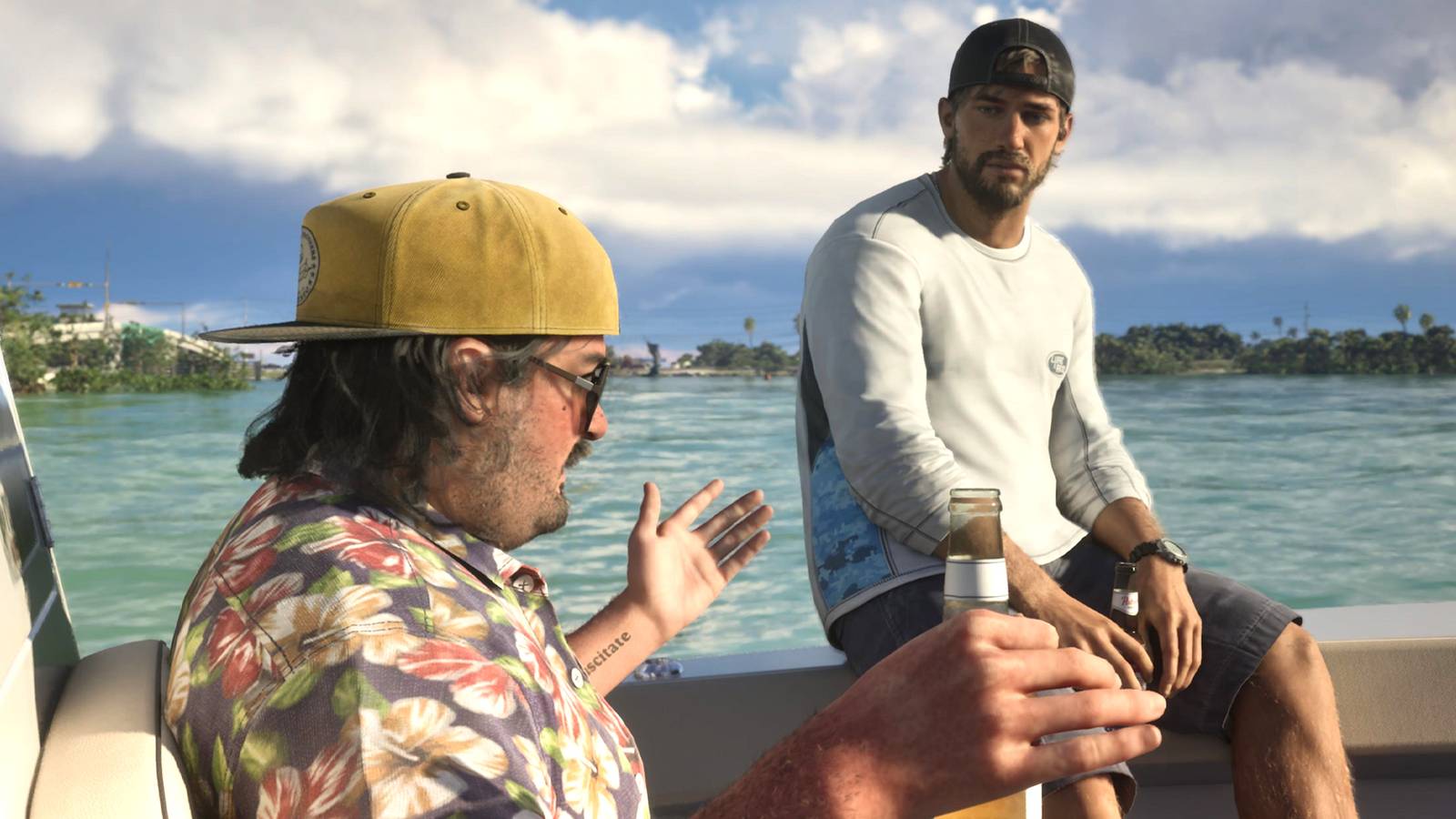
The release of Grand Theft Auto VI has obviously been a genuinely monumental moment for gaming as a whole, and it has outperformed any media release in history as a result. Generating well over three billion dollars in its first day alone, it has also sold over 40 million copies, surpassing what even the biggest games hope to generate over their entire lifespans.
All of that comes with a huge portion of the potential player base being left out of the proverbial party, with a PC release yet to materialize. In fact, there are plenty of players out there who have deliberately decided to wait for the arrival of that version of the game because they aren’t happy that it’s currently locked to 30FPS, even on the PS5 Pro, which has been pitched as the best way to play by Sony and Rockstar.
As it turns out, that might not be the case, as Xbox players can get one up on their PlayStation friends, thanks to a little bit of technical jiggery pokery.
As originally confirmed by Digital Foundry, a bug with the Xbox Series S/X’s Quick Resume feature lets GTA VI exceed its current 30 FPS limit. In lighter population areas, the hardware manages to maintain that frame rate remarkably well, though it does drop closer to the original 30 limit in higher population density areas.
The only caveat is that unlocking the cap does speed up animations, which can, at times, look a little unusual if you’re used to playing it in its base form. It’s interesting that it is technically possible though, and the only thing really holding the game back from hitting those rates consistently is the Zen 2 CPU, which struggles to keep up a little in 2026.
If you fancy trying it out for yourself, it is a relatively simple process, even if it can be a bit finicky to get right. First off, make sure GTA VI is entirely closed on your console, then head to the settings and set your display’s refresh rate to 60Hz. Launch the game and then hold down the Xbox button when the animation with the six stars appears on-screen.
Head back into the settings and set the refresh rate to 120Hz and launch a different game (though make sure it’s not in the Quick Resume tray). Wait until that game gets past the splash screens and loads in, then resume playing GTA VI from Quick Resume and you should find that the frame rate has been unlocked.

It seems at the time of writing as though the game’s engine is tied to the FPS lock, which is why animations can appear sped up while playing. That said, having tried it myself, it really does feel pretty great to play on the whole, and a lot less jarring than you might expect.
In any case, GTA VI is proving to be a great time whatever platform you are on, so PlayStation players shouldn’t feel too despondent that they don’t have the opportunity to do the same at this moment in time.

- Released
-
November 19, 2026
- ESRB
-
Rating Pending – Likely Mature 17+
- Engine
-
Rockstar Advanced Game Engine (RAGE)
